
Halo
Live this weekDynamic Island for Mac with notifications and AI status
Demo video
About Halo
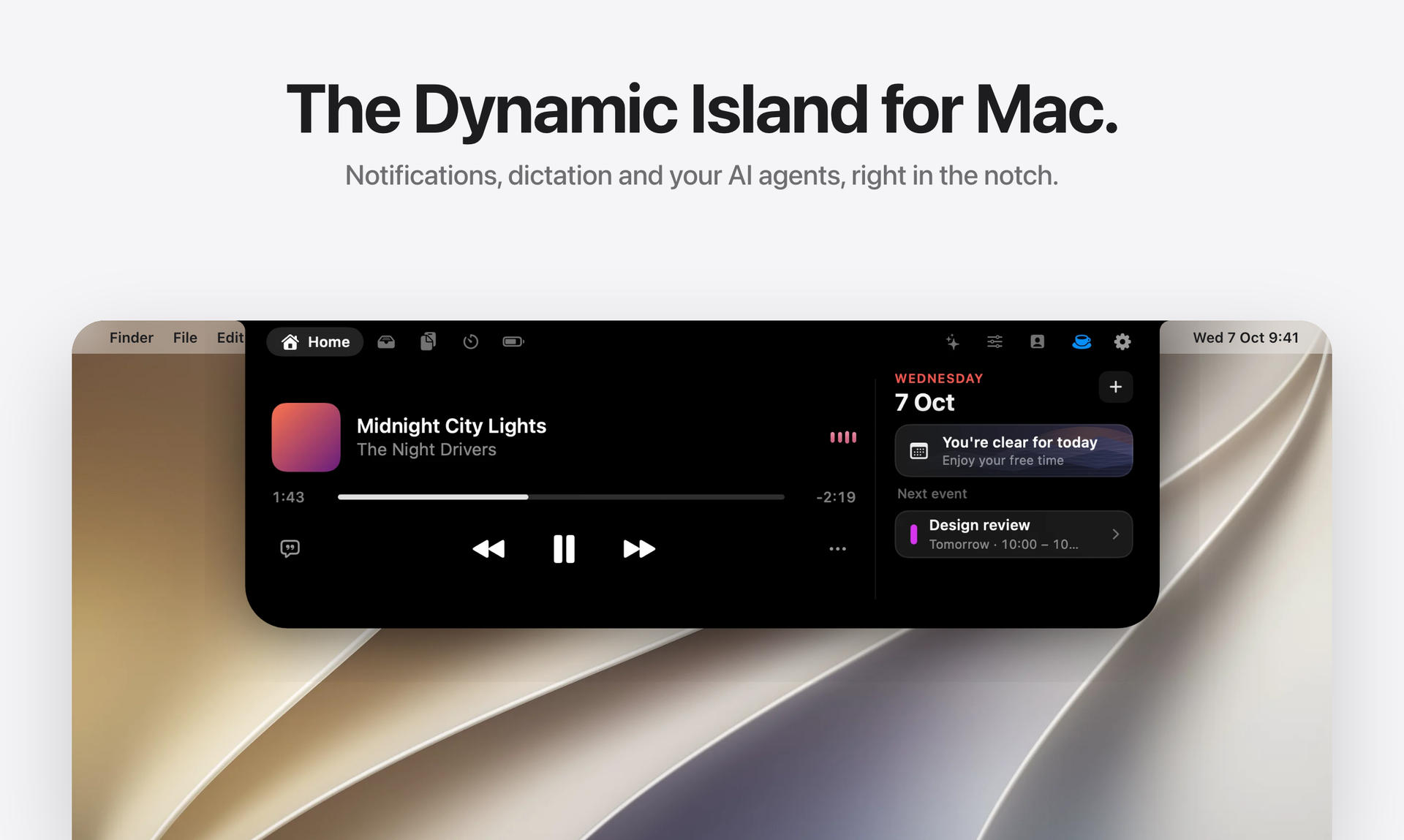
Halo is a Dynamic Island for your Mac that works with or without a notch. It displays notifications, music controls, dictation, AI agent status, calls, and monitor brightness in a small island at the top of your screen. It is designed for macOS 15 or later and supports both Apple silicon and Intel Macs.
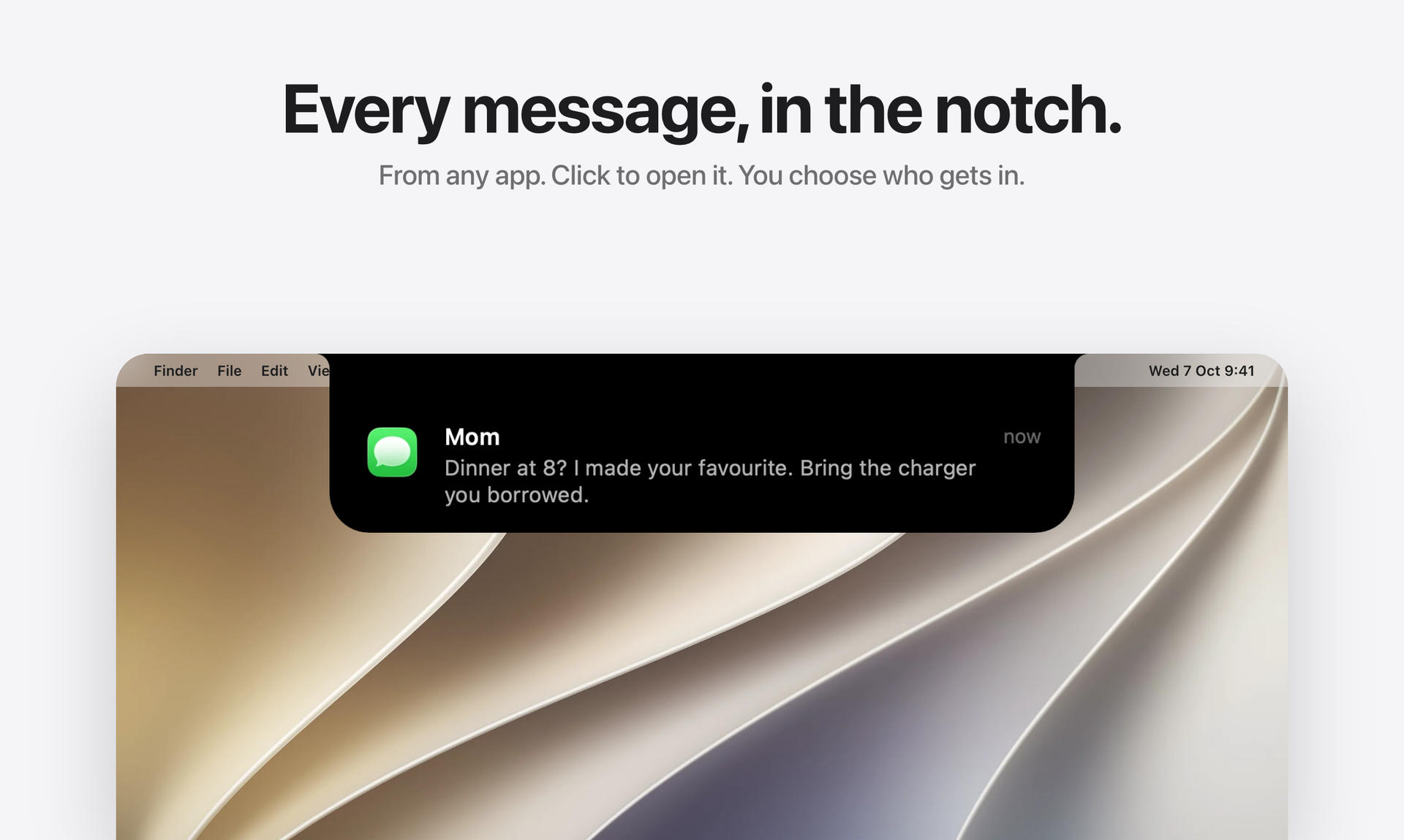
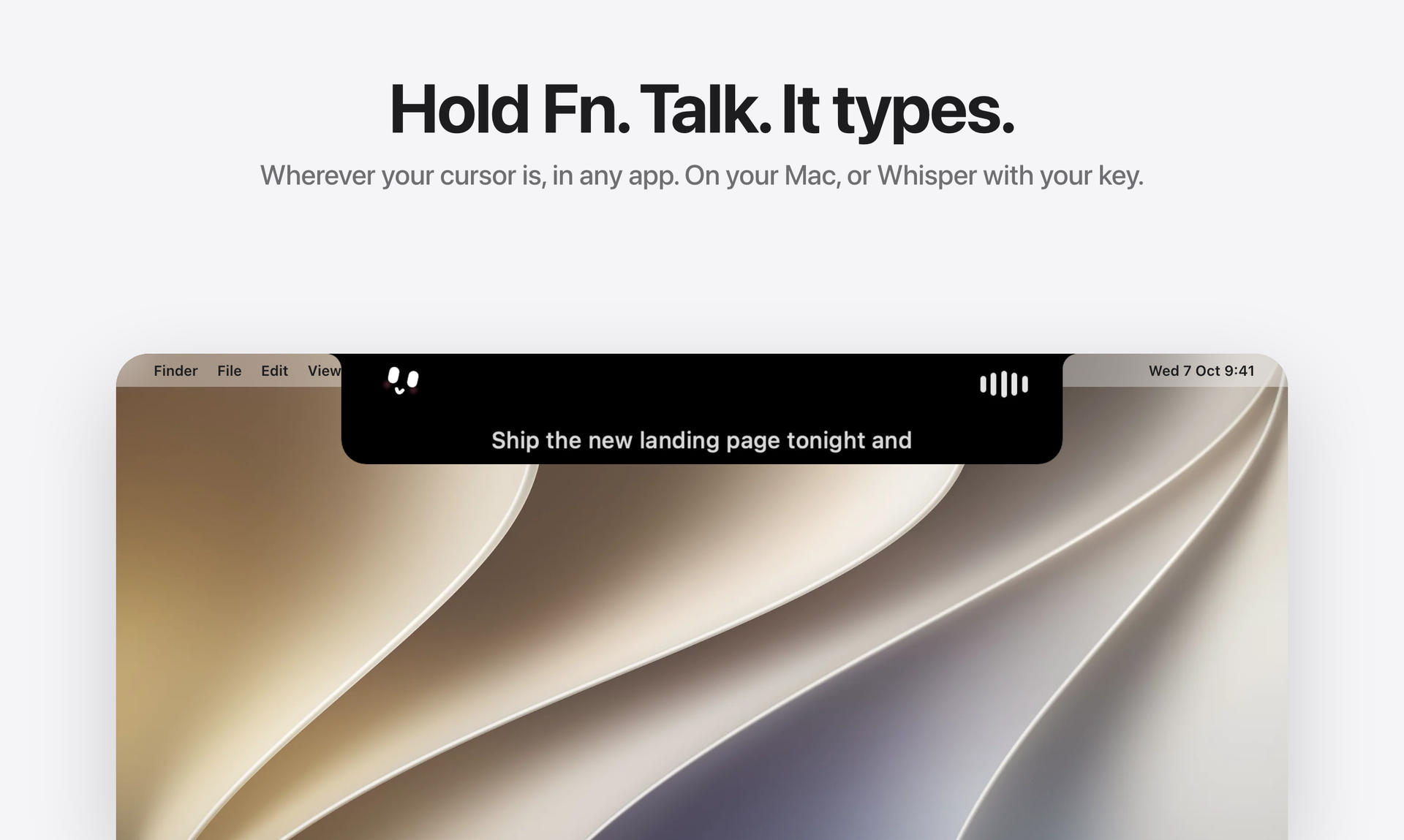
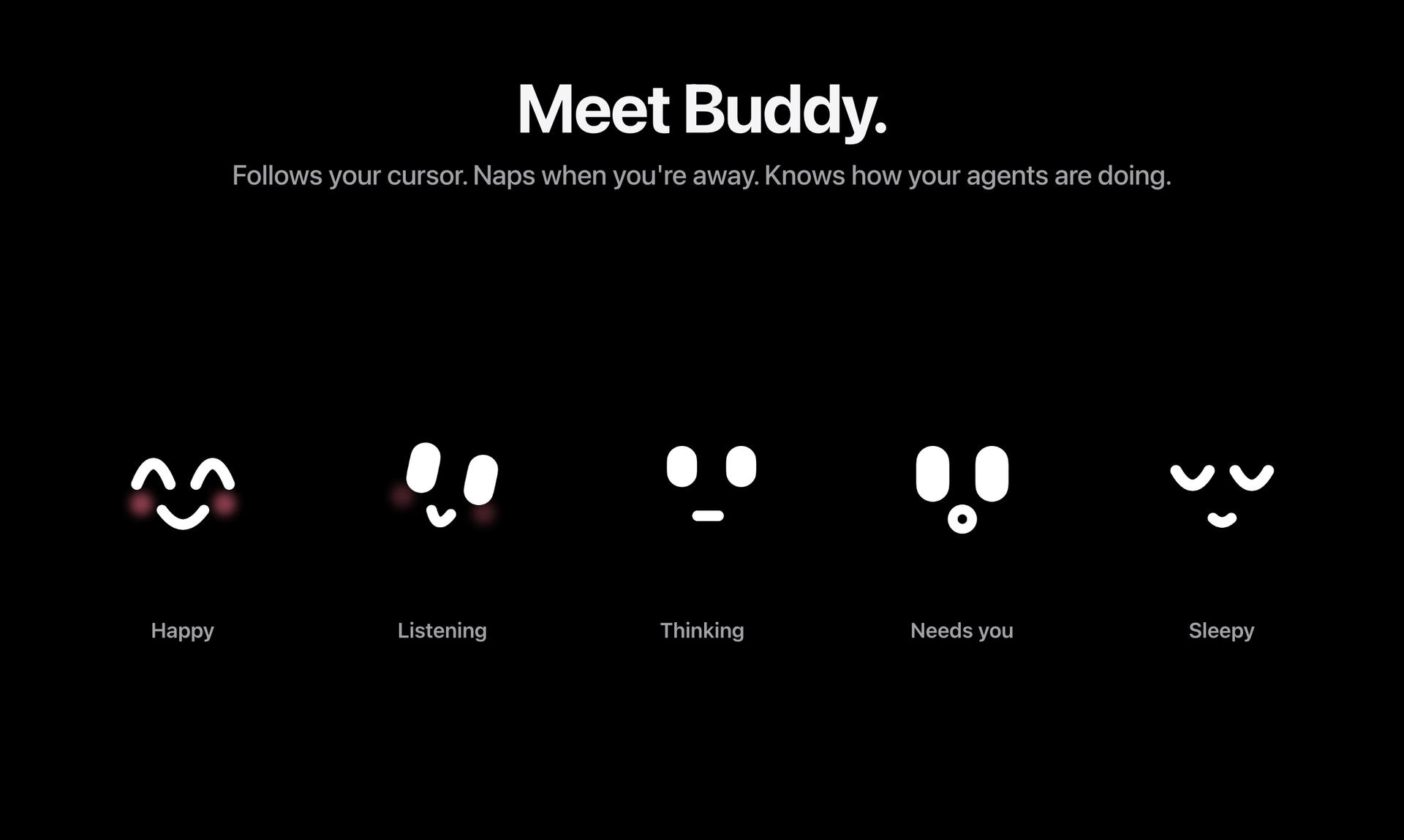
Halo puts your messages, calls, and music controls right where you look, replacing the usual macOS banners with notifications in the island. You can dictate text anywhere by holding a key and speaking. It also shows the status of AI agents like Claude Code and Codex, and lets you control external monitor brightness and input if supported.
The app requires no account or sign-in and keeps your data private on your Mac. It is a one-time purchase for $9.99 with no subscription. Halo supports multiple languages and works on MacBook notches or draws an island on any screen without one.
Overview
Who is it for?
Mac users running macOS 15 or later.
Problem
Standard macOS banners and scattered controls make managing notifications, music, and system settings distracting.
Solution
Halo displays notifications, music controls, calls, dictation, and AI agent status in a small island at the top of the screen.
What makes it unique
It requires no account, keeps data private locally, and works with or without a MacBook notch.
Gallery
Reviews
No reviews yet
Used Halo? Be the first to review it.
Discussion
Join the discussion and give the maker feedback.
Sign in to commentNo comments yet. Be the first to share feedback.
Similar to Halo
 1
StampNameProductivity
Rename invoice PDFs offline. Nothing leaves your Mac.
- 8
FormSubmitAPI
Form backend for any website to receive submissions by email, webhooks, Slack, Discord, and Google Sheets.
 3
Meet AnviEducation
Offline learning app for preschoolers ages 3 to 6

BrainRAMProductivity
A fullscreen overlay for your most-used snippets, templates, and references on Windows.